Soon + Parley
Use Soon with Parley to turn historical messaging data into smarter forecasts and optimized scheduling.
Integration Details
About the Integration
The Soon–Parley integration enables you to use Parley’s chat and messaging metrics to drive accurate forecasting and proactive scheduling in Soon. Historical data – such as past conversation volumes, peak messaging times, and response durations from Parley – flows into Soon’s system. Soon then applies this data to generate demand-based forecasts and optimized staff plans. Because Parley provides a secure, unified chat platform with complete conversation histories Soon can analyze reliable message logs to predict workload. The result is streamlined workforce planning: schedules closely match actual messaging traffic, so teams are staffed appropriately for customer chat demand without overstaffing or delays.
How It Works
Unlock intelligent forecasting and scheduling with Parley and Soon:
- Connect & Sync: Securely import historical chat and messaging data from Parley into Soon, creating a unified dataset of customer interactions.
- Forecast Smarter: Use Soon’s algorithms on Parley conversation trends (message counts, peak hours, etc.) to generate accurate demand forecasts.
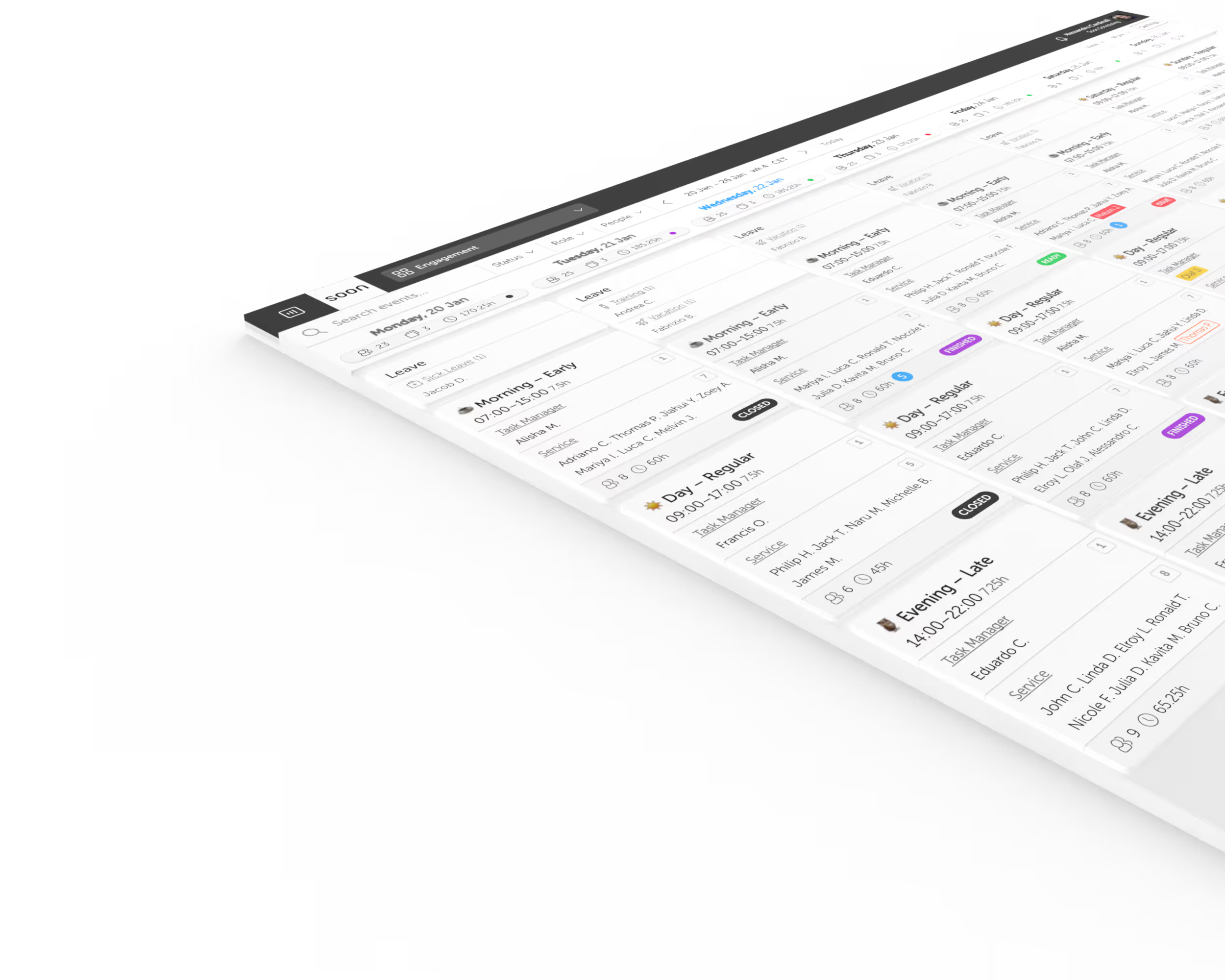
- Optimize Scheduling: Align your team’s schedules with the forecasted chat workload, ensuring the right number of agents are available when messaging traffic peaks.
- Stay Agile: Continuously update forecasts as new Parley data arrives, so your staffing plans adapt in real-time to evolving customer messaging patterns.
What is Parley?
Parley is a secure messaging platform built for digital-first contact centers. It centralizes chat across web, mobile, and social channels into one inbox, offering full conversation history, real-time updates, and rich messaging features. Integrating Parley with Soon lets you use historical chat data to drive accurate forecasts and smarter schedules.
Your next schedule could take 2 minutes.
Import your team, set your rules, hit auto-fill. Most teams are live the same day.
30 days free · No credit card required
Already have an account?Sign in