Forecast demand and staffing
Build a staffing baseline from demand instead of daily averages or spreadsheet assumptions.
Explore forecasting →Forecast demand, calculate staffing, build agent schedules, and adjust intraday coverage in one practical workflow for contact centers and BPO teams.
Start Free TrialA weekly headcount target can hide an understaffed half hour. Soon helps planners turn queue and channel demand into clearer coverage decisions throughout the day.
Breaks, coaching, meetings, leave, training, and absence all reduce staffed time. Soon keeps those activities visible alongside required and scheduled coverage.
Voice, chat, email, back-office work, and BPO client queues have different demand patterns. Soon helps teams plan each stream without losing the wider staffing view.
When handle time, absence, or demand moves away from forecast, managers need to rebalance work quickly instead of rebuilding the day in spreadsheets and chat threads.
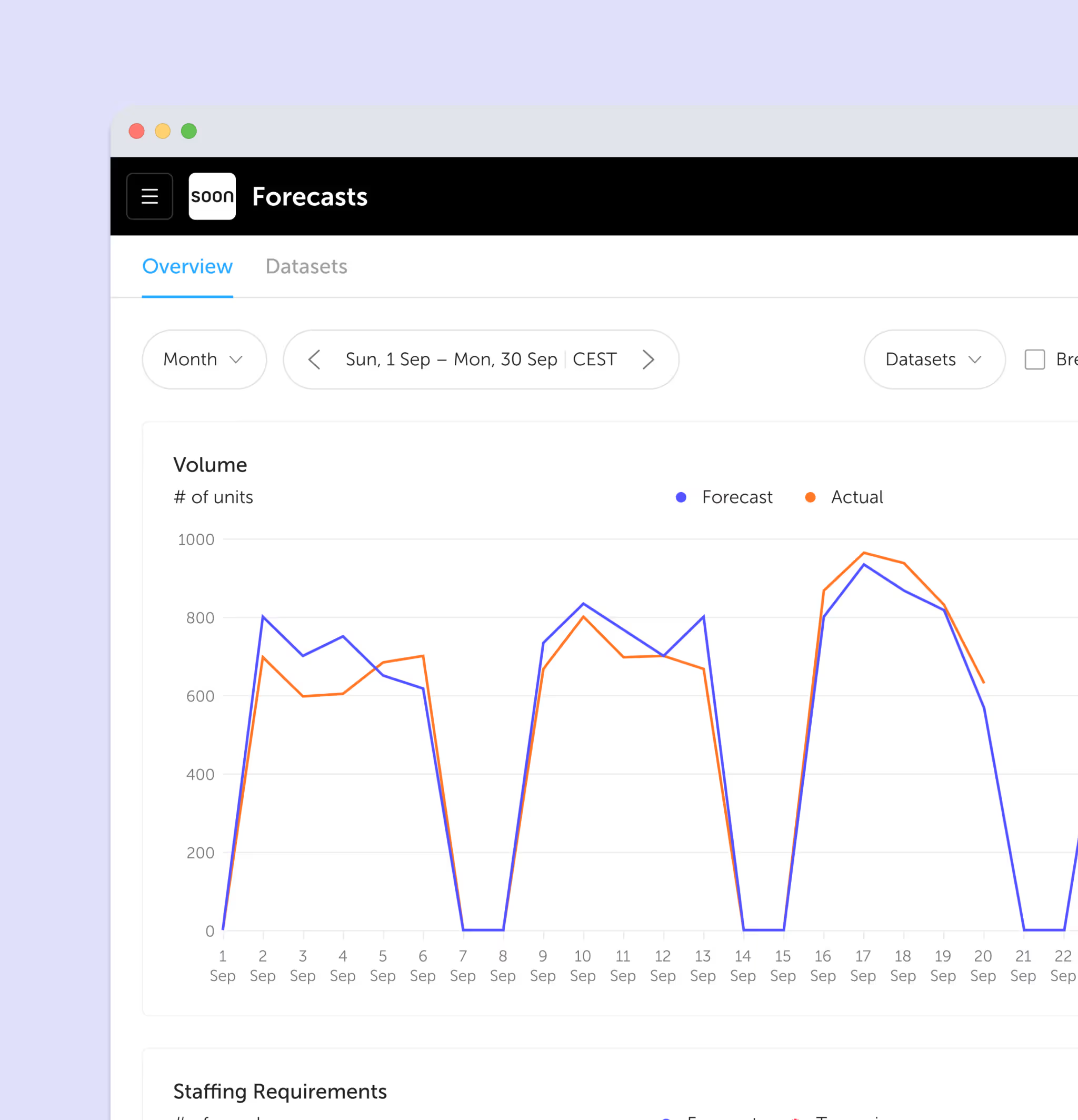
Use historical demand, seasonality, events, and operational knowledge to estimate the workload each interval is likely to bring.
Apply service level, handle time, occupancy, and shrinkage assumptions to see how many people the operation needs, and when.
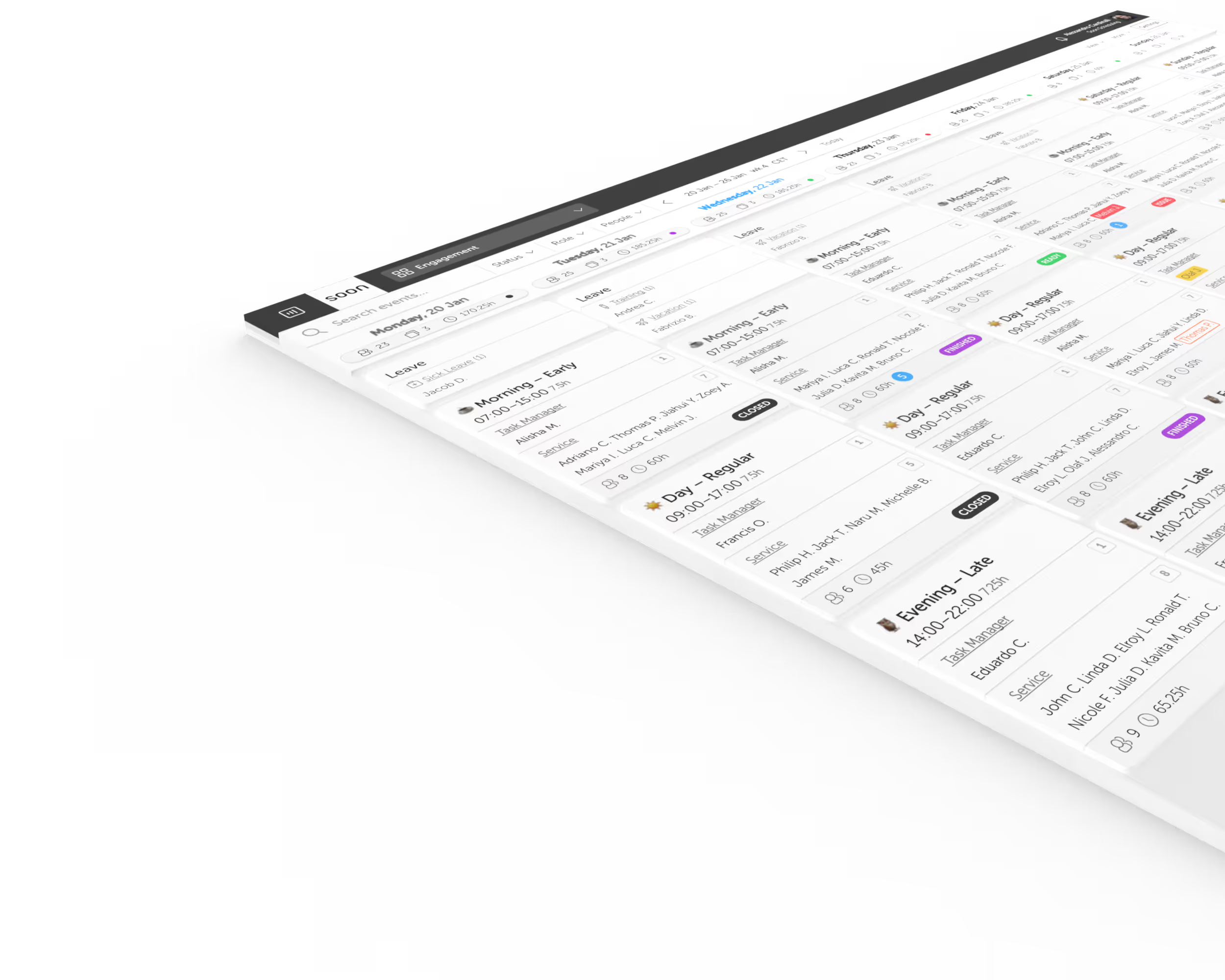
Turn interval requirements into shifts, breaks, activities, leave, and assignments while keeping availability and staffing rules visible.
Compare required and scheduled coverage, move activities, and coordinate changes when volume, absence, or handling time shifts.
Model future workload and translate it into interval-level staffing requirements for voice, chat, email, and other workstreams.
Create shifts and activities around availability, leave, breaks, training, meetings, and other sources of planned shrinkage.
Keep the daily plan visible and make practical staffing or activity changes when actual conditions move away from forecast.
Soon works alongside your contact routing, quality management, recording, analytics, and coaching tools instead of pretending to replace the whole contact center platform.
From forecast to live operations
Forecast interval demand and staffing requirements, then keep scheduled coverage and activities visible as the day changes.
Build a staffing baseline from demand instead of daily averages or spreadsheet assumptions.
Explore forecasting →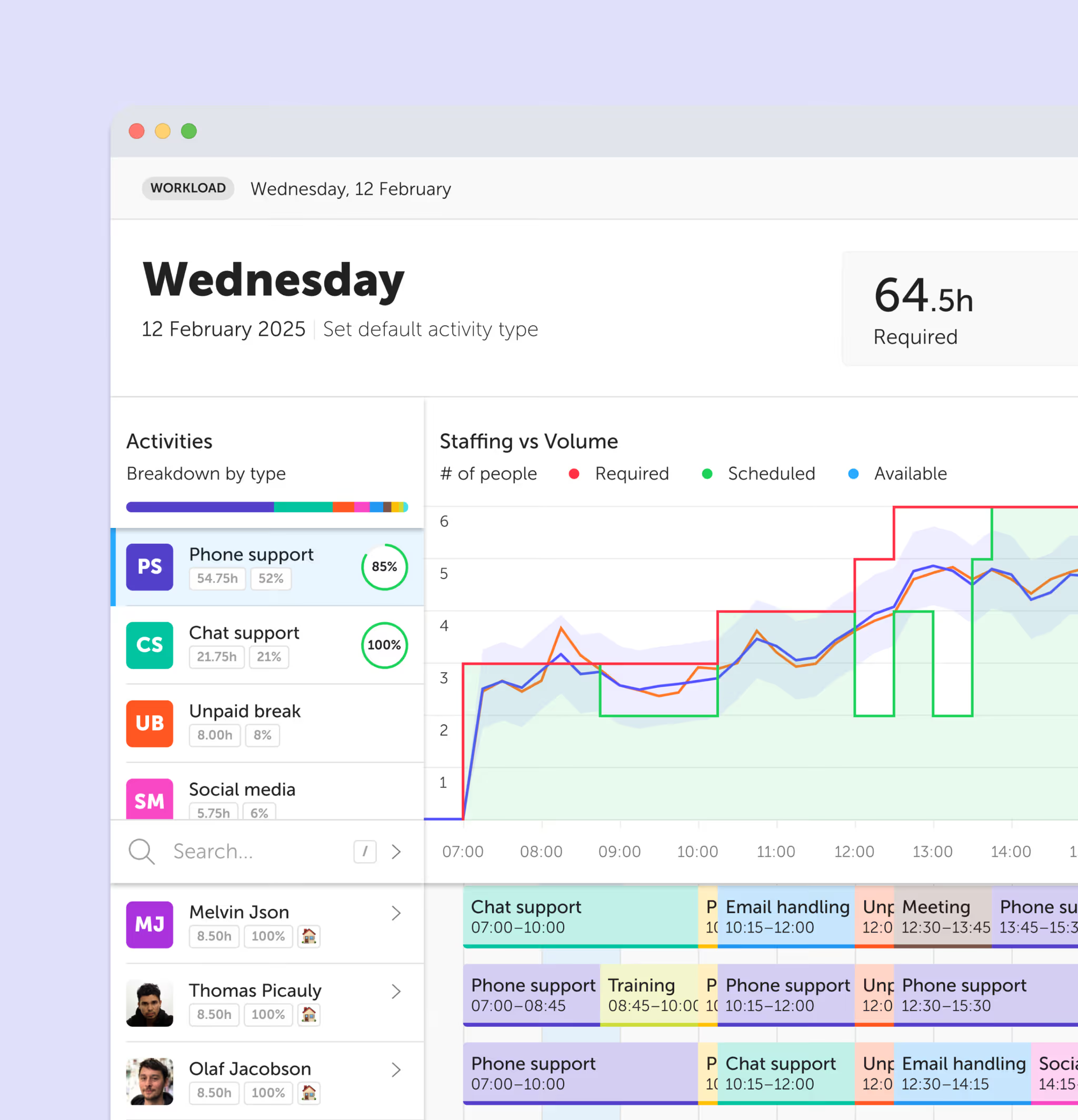
Coordinate activity and staffing changes when actual demand no longer matches the plan.
Explore intraday management →Continue with practical guides, calculators, and workforce concepts for contact centers and bpo teams.
Guide
Understand how WFO, WFM, quality, coaching, analytics, and agent engagement fit together.
Calculator
Estimate required agents from call volume, handle time, and a service-level target using Erlang C.
Glossary
Connect workload, occupancy, shrinkage, skill coverage, and scheduled headcount.
Glossary
See why paid headcount and available queue capacity are not the same thing.
Product
Forecast demand and turn it into staffing requirements at the interval your operation needs.
Product
Coordinate live schedule and activity changes when actual demand no longer matches the forecast.

“We have moved from a reactive operation to proactive service planning and scheduling.”
Robert Hodgkins
Continuous Improvement Specialist, UK & Ireland

“Soon drastically reduced the time spent on our planning process. The shift leaders are in total control, the team members appreciate the ease of use, and management loves the improved collaboration and statistics at hand to drive the business.”
Floris Wakka
Team Leader Service, Knab

“Soon enabled us to change the way we manage shifts at our customer service departments. This gave us more freedom and satisfaction with the schedules.”
Rick de Baat
Team Leader Beleggingsservice Sales, Robeco
Contact center workforce management software helps teams forecast workload, calculate staffing requirements, build schedules, account for shrinkage, and adjust coverage when actual demand differs from plan.
WFM focuses on forecasting, staffing, scheduling, adherence, and intraday control. WFO is broader and usually combines WFM with quality management, performance coaching, interaction analytics, and agent engagement.
No. Soon provides the workforce planning layer: forecasting, staffing requirements, scheduling, activities, leave, and intraday changes. It works alongside contact routing, recording, quality management, analytics, and coaching tools.
Yes. Teams can organize schedules around different groups, roles, activities, and operating windows while managers retain one view of staffing across the operation.
Yes. Soon can represent different activities within the schedule so planners can coordinate channel coverage and move people between kinds of work as priorities change.
Erlang C can provide a starting requirement for a stable inbound queue. Soon helps turn that requirement into a workable schedule that also accounts for availability, leave, shrinkage, skills, and operational changes.
See the tradeoffs between a focused workforce planning layer and larger enterprise WFO suites before you choose a platform.
Import your team, set your rules, hit auto-fill. Most teams are live the same day.
30 days free · No credit card required
Already have an account?Sign in