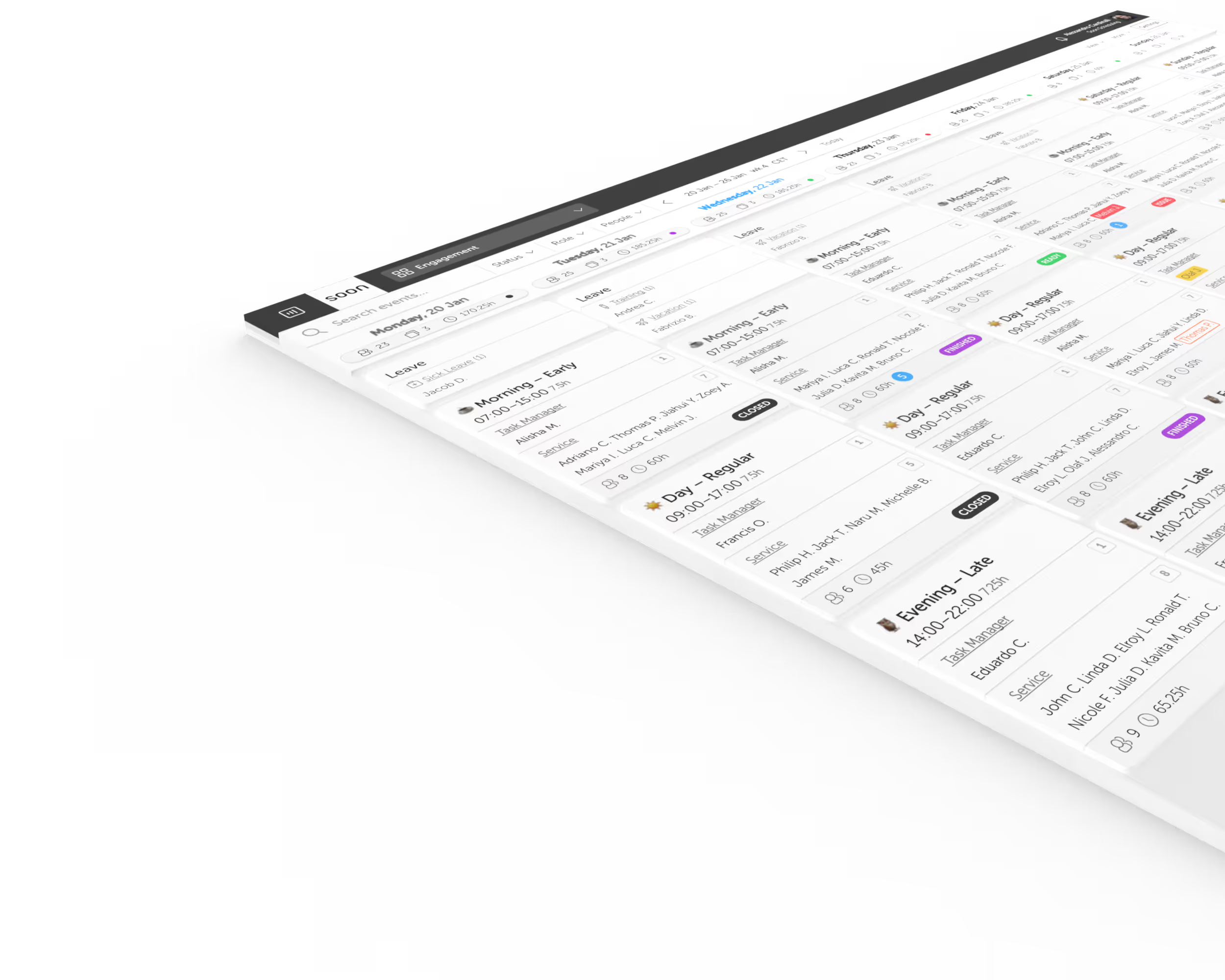
Logistics and warehouse scheduling software for volatile demand.
Match staffing to shipment flow, coordinate roles across sites and shifts, and respond faster when volume, delays, or absence changes the plan.
Start Free TrialChallenges we solve
Volume moves before the weekly rota does
Order spikes, inbound delays, promotions, and seasonal peaks can make last week a poor staffing template. Soon helps teams connect the forecast to scheduled coverage.
Headcount alone does not cover the operation
Receiving, picking, packing, dispatch, transport desks, and supervision need different people at different times. Soon keeps those activities visible across teams and locations.
Work crosses shifts and time zones
A delayed load or unresolved exception can move straight into the next team. Clear schedules and activity ownership reduce gaps between locations and handovers.
Callouts turn quickly into overtime
When coverage is already tight, one absence can trigger messages, agency calls, and repeated overtime. Soon gives planners a faster view of the gap and available options.
Move from demand signal to staffed shift faster
Translate demand signals into staffing needs
Use historical workload and operational inputs to estimate where staffed hours will be needed before the next peak reaches the floor or desk.
Plan roles, activities, and locations together
Build schedules around the work each site needs covered instead of treating every available employee as interchangeable headcount.
Give employees controlled flexibility
Keep availability, leave, swaps, and open coverage in the scheduling workflow so changes do not disappear into disconnected messages.
Adjust the live plan as operations move
Coordinate changes when shipment timing, absence, backlog, or an urgent exception pushes workload away from the original schedule.
Plan the operation, not just the rota
Continue with practical guides, calculators, and workforce concepts for logistics and warehousing teams.
Blueprint
Logistics surge staffing
Choose staffing actions based on how much warning you have before the demand reaches the operation.
Blueprint
Close the logistics demand-signal gap
Identify earlier operating signals and move staffing decisions ahead of the weekly planning cycle.
Glossary
Workforce capacity planning
Connect expected workload, productive hours, skills, and staffing buffers in one capacity view.
Glossary
Workforce demand forecasting
Understand how operational demand becomes a forward view of required labor.
Product
Workforce forecasting
Build a more deliberate staffing plan around expected demand instead of copying the previous rota.
Guide
Cover last-minute callouts
Use a repeatable response sequence when an absence creates a same-day coverage gap.
Frequently asked questions
What is logistics and warehouse scheduling software?
Logistics and warehouse scheduling software helps operations teams plan employees across shifts, sites, roles, and activities while accounting for demand changes, leave, overtime, and last-minute coverage needs.
Can Soon coordinate schedules across multiple warehouses or desks?
Yes. Teams can organize employees and schedules by location, group, role, or activity while managers maintain a wider view across the operation.
Can Soon help match warehouse staffing to forecast volume?
Yes. Soon helps teams bring forecast requirements and schedules closer together so planners can compare expected workload with the staffed hours they intend to publish.
Can different warehouse roles be planned in the same schedule?
Yes. Receiving, picking, packing, dispatch, supervision, and desk work can be represented as different activities, roles, or groups within the planning workflow.
Does Soon work for 24/7 logistics operations?
Yes. Soon supports recurring shift patterns, nights, weekends, rotating coverage, leave, and day-to-day changes across continuous operations.
Comparing scheduling software for Logistics and Warehousing?
See how Soon compares with the scheduling tools teams in this industry most often shortlist, including the rows where the other product wins.
Your next schedule could take 2 minutes.
Import your team, set your rules, hit auto-fill. Most teams are live the same day.
30 days free · No credit card required
Already have an account?Sign in